Estimated reading time: 8 minutes
So, you’ve finally done it. You’ve cleared out the guest bedroom, grabbed some poly mailers, and officially opened your eBay shop. Welcome to the club! There is nothing quite like the rush of that first “Cha-ching” notification on your phone. It’s addictive, it’s fun, and it’s a fantastic way to build a side hustle.
But here’s the reality check: the first month is usually where the biggest “oops” moments happen. Most new sellers jump in headfirst, which I love, but they often trip over the same five hurdles. These mistakes don’t just cost you time; they eat your profits and tank your search rankings before you even get off the ground.
If you’re feeling a little overwhelmed, don’t worry. I’ve seen it all. Let’s break down the five most common mistakes new eBay sellers make in their first month and, more importantly, how you can avoid them to start making real money.
1. The Pricing Trap: Ignoring “Sold” Data
I get it. You found a vintage designer jacket at the bins, and you know it’s worth a fortune. You see someone else listing a similar one for $200, so you list yours for $195 to be competitive. Two weeks later? Crickets.
The biggest mistake new sellers make is pricing based on Active Listings rather than Sold Listings.
Think of it this way: anyone can ask for $1,000 for a used coffee mug, but that doesn’t mean anyone is actually buying it. When you only look at what people are asking, you’re looking at the items that haven’t sold yet.
How to fix it:
Before you list a single item, you need to perform a “reality check.” Go to the eBay search bar, type in your item, and then scroll down the filter menu on the left (or hit the “Filter” button on mobile). Select “Sold Items.”
This is the holy grail of data. It shows you exactly what buyers were willing to pay in the last 90 days. If the “Sold” prices are all hovering around $40, but you listed yours at $150, you’re just paying eBay to host a digital museum.
Pro Tip: Look for the “sweet spot.” Research shows that pricing within 5% of the average sold price gives you the best chance of a quick flip.

2. Bad Photos: The “Dark and Messy” Vibe
We live in a visual world. On eBay, your photo is your first, and sometimes only, handshake with a buyer.
I see so many new sellers taking photos on their unmade beds, in dark hallways, or with their laundry piles in the background. If your photo is blurry or dim, buyers will assume your business is disorganized, too. Worse, eBay’s internal data shows that listings with poor-quality images get significantly fewer clicks. In fact, listings with high-resolution images on a clean background can increase conversions by over 20%.
How to fix it:
You don’t need a professional studio. You just need:
- Natural Light: Take your photos near a big window during the day. Avoid the yellow light of your living room lamps.
- A Clean Backdrop: A $2 white foam board from the dollar store works wonders.
- The “Rule of 8”: eBay allows up to 24 photos. You don’t need all 24 for a pair of socks, but try to get at least 8. Show the front, back, tags, and any flaws.
If your photos look like they were taken in a cave, buyers will keep scrolling until they find a seller who put in the effort.
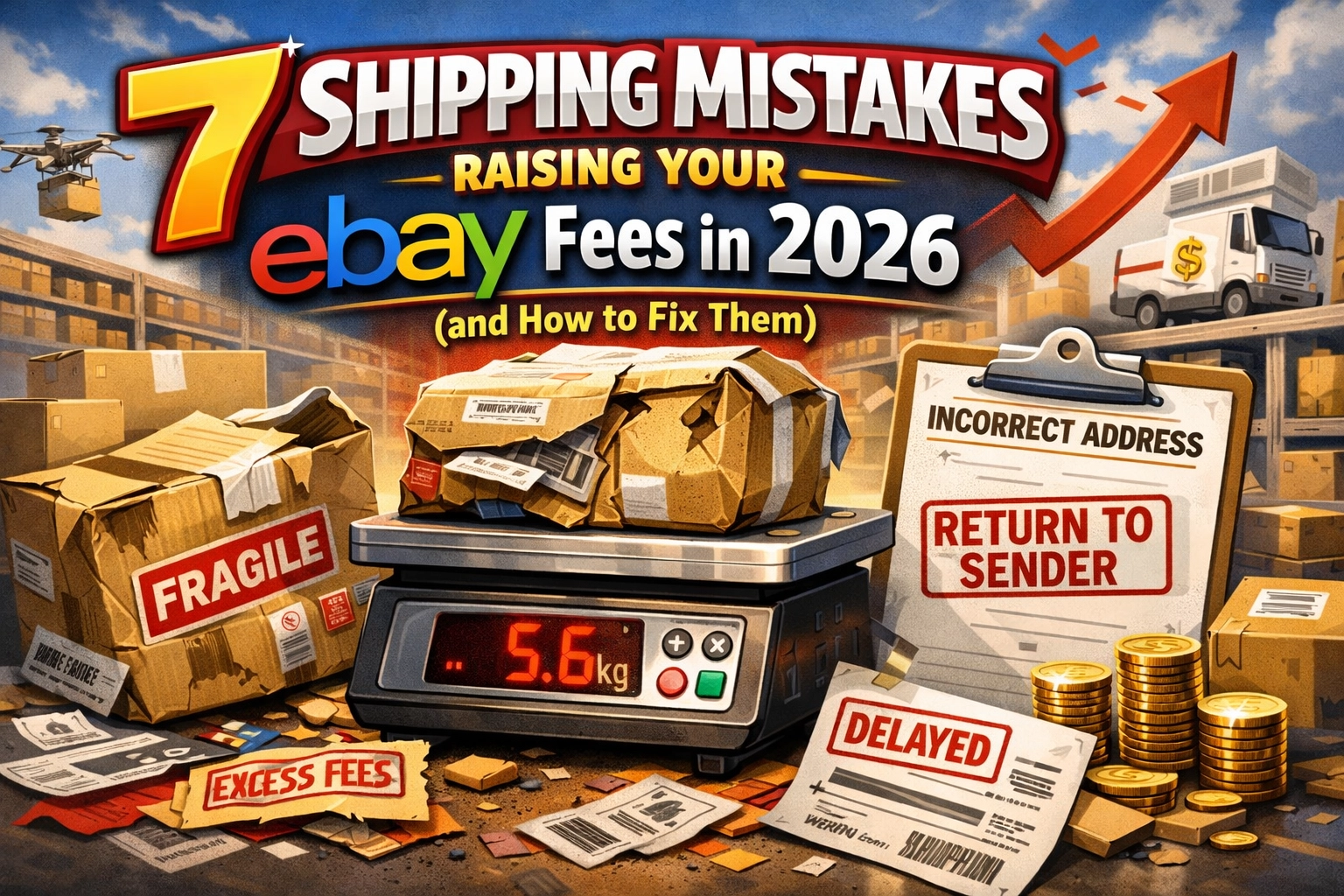
3. The Shipping Weight “Guess-timate”
This is the mistake that breaks my heart because it literally steals money out of your pocket.
New sellers often list an item and think, “Eh, this feels like it weighs about a pound. I’ll charge $6 for shipping.” Then they sell the item, take it to the post office, and realize that once you add the box and bubble wrap, it weighs 2 pounds and needs to go across the country. Suddenly, that $6 shipping charge turns into a $15 label.
If you made $10 profit on the item, you just ended up paying $5 to give your item away.
How to fix it:
Buy a digital shipping scale. You can find a decent one for less than $20, and it will pay for itself in one week.
- Weigh everything with the packaging.
- Understand Dimensional Weight: Large boxes cost more, even if they are light.
- Use Calculated Shipping: Let eBay do the math for you. Enter the weight and dimensions, and eBay will charge the buyer the correct rate based on their location.
Don’t let the post office eat your lunch. Get a scale and be precise.

4. The “No Measurements” Mystery
“It’s a size Medium, why do I need measurements?”
Because every brand’s “Medium” is different. A vintage Medium fits like a modern Extra Small. A European Medium fits like a wet noodle. If you don’t provide measurements, you are asking for a return.
Returns are the ultimate profit killer. You lose the original shipping cost, you often have to pay for the return shipping, and your item is tied up in the mail for two weeks instead of being available for someone else to buy.
How to fix it:
Include the “Big Three” for clothing:
- Pit-to-Pit: Measure across the chest.
- Length: From the shoulder to the bottom hem.
- Inseam: For pants, from the crotch to the ankle.
Including a photo of a tape measure on the item is even better. It builds trust. When a buyer knows exactly how an item will fit, they are much more likely to hit that “Buy It Now” button without hesitation.

5. Neglecting Item Specifics: Staying Invisible
eBay is a massive search engine. When a buyer searches for “Blue Nike Running Shoes Size 10,” eBay’s algorithm looks at the Item Specifics to decide which listings to show.
Many new sellers skip these boxes because they take time to fill out. They think the title is enough. It’s not. If you leave the “Color,” “Size,” or “Material” fields blank, you are essentially telling eBay, “Please hide my item from anyone using filters.”
How to fix it:
Fill out as many item specifics as possible: especially the ones marked “Required” or “Recommended.”
- Be Accurate: Don’t guess the material if the tag is missing; use “Unknown” or describe the feel.
- Mobile Matters: Most shoppers are on their phones. They use filters to narrow down thousands of items. If you didn’t mark your shirt as “100% Cotton,” you won’t show up when they filter for cotton shirts.
Bonus Tip: Don’t Go It Alone
The learning curve on eBay can be steep, but you don’t have to climb it by yourself. One of the best ways to skip the “beginner mistakes” phase is to surround yourself with people who have already been there.
That’s why I’m such a big fan of the AI for Resellers membership. For just $6 a month, you get access to a community and tools designed to help you scale faster. We talk about everything from advanced sourcing strategies to using AI to write your descriptions (saving you hours of work!).
Whether you are a seasoned pro or just finishing your first month, having a mentor and a support system makes all the difference. Check it out at aiforresellers.com.
You May Have Missed!
If you’re looking for more ways to level up your reselling game, check out these guides:
- How to find the best items at thrift stores
- The best side hustles for women over 50
- Our review of the latest AI tools for e-commerce
Final Thoughts
Everyone makes mistakes in their first month: even the experts. I once shipped a heavy cast iron skillet in a flimsy box that fell apart before it left the state. We live, we learn, and we get better.
Avoid these five traps, keep your head up, and keep listing. The more you put into your shop, the more you’ll get out of it.
Spread the love! If this helped you, share it with a friend who is just starting their eBay journey. Happy selling!