Estimated Reading Time: 7 Minutes
Let’s be real for a second: we’ve all been there. You’re scrolling through eBay, looking for a specific vintage jacket or a replacement part for your blender, and you see it. The perfect item! But then you look at the photo. It’s blurry, dimly lit, and looks like it was taken in a dark basement during a power outage. Do you buy it? Probably not. You keep scrolling until you find a listing that actually looks like the seller cares.
In the world of reselling, your photos are your front door. They are the very first thing a buyer notices, and in most cases, they are the deciding factor between a “Watch” and a “Buy It Now.” If you want to bump it up and start seeing those “Item Sold” notifications more often, you need to master the art of the eBay photo.
The good news? You don’t need a $2,000 DSLR camera or a professional studio to get results. With a few simple tweaks to your workflow, you can create images that pop and build instant trust with your customers.
Why Great Photos Are Your Best Sales Tool
Think of your photos as your silent salesperson. When a buyer lands on your listing, they are looking for reasons to trust you. Since they can’t touch the item, smell it (hopefully not necessary!), or try it on, your photos have to do all the heavy lifting.
Good photos communicate three main things:
- Professionalism: It shows you take your business seriously.
- Condition: It proves exactly what the buyer is getting.
- Transparency: By showing flaws, you prove you aren’t hiding anything.
When your photos are clear and bright, you reduce the “risk” for the buyer. And when the risk goes down, the sales go up. It’s that simple.
Lighting: The Make-or-Break Factor
If you take only one thing away from this guide, let it be this: Lighting is everything. You could have the coolest rare item on the planet, but if the lighting is bad, it will look like junk.
Natural Light is Your Best Friend
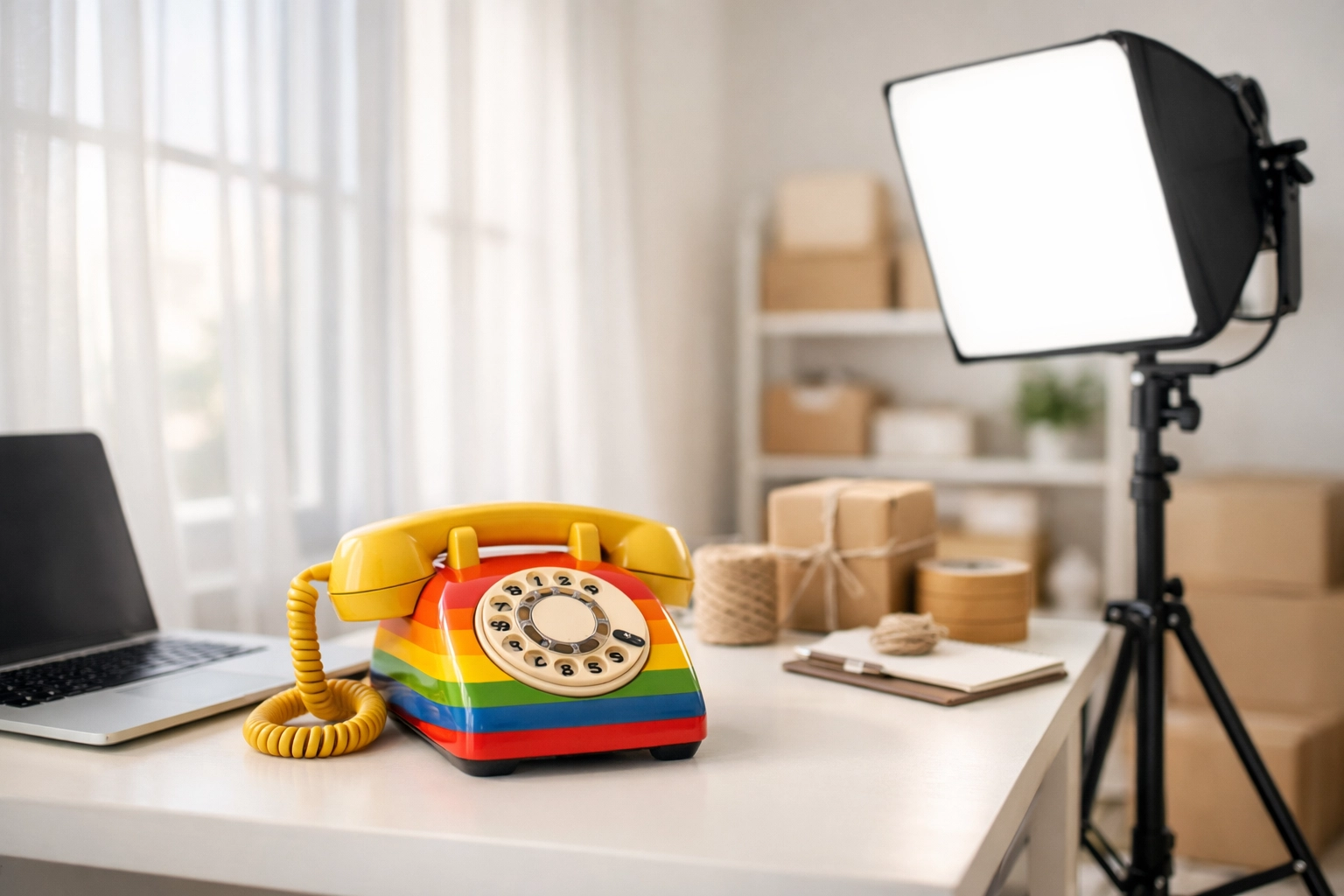
The cheapest and often best way to light your items is with natural sunlight. Position your shooting area near a large window. You want “indirect” light: meaning the sun isn’t hitting the item directly (which causes harsh shadows), but the room is bright and airy.
The Problem with “Yellow” Light
Avoid using standard overhead house lights. These bulbs usually have a yellow or orange tint that makes white items look dingy and colors look “off.” If you’re forced to take photos at night, invest in a pair of inexpensive LED softbox lights. They mimic daylight and give your items a clean, crisp look without the weird shadows.
Backgrounds: Keep It Simple, Keep It Clean
Your background should never be the star of the show. If a buyer is looking at the cool wallpaper in your dining room instead of the item you’re selling, you’ve lost the battle.
- The Power of White: A plain white background is the gold standard for eBay. It makes the item’s colors pop and gives the listing a professional, “catalog” feel.
- Neutral Tones: If white doesn’t work (like for a very light-colored item), go with light gray or a soft beige.
- Clutter-Free Zone: Ensure there are no stray coffee mugs, laundry piles, or pets in the frame. You want the buyer’s eyes locked on the product.
A simple piece of white foam board from the dollar store can serve as a perfect backdrop for smaller items. For larger items, a clean, neutral wall or a dedicated photography backdrop works wonders.
Mastering the Angles: Show It All
eBay allows you to upload up to 24 photos for free (though usually 12 is the sweet spot for most items). Use them! Buyers want to see the item from every conceivable angle.
- The Hero Shot: This is your first photo. It should show the entire item from the front, centered and filling most of the frame.
- The 360 View: Take photos of the back, the sides, the top, and the bottom.
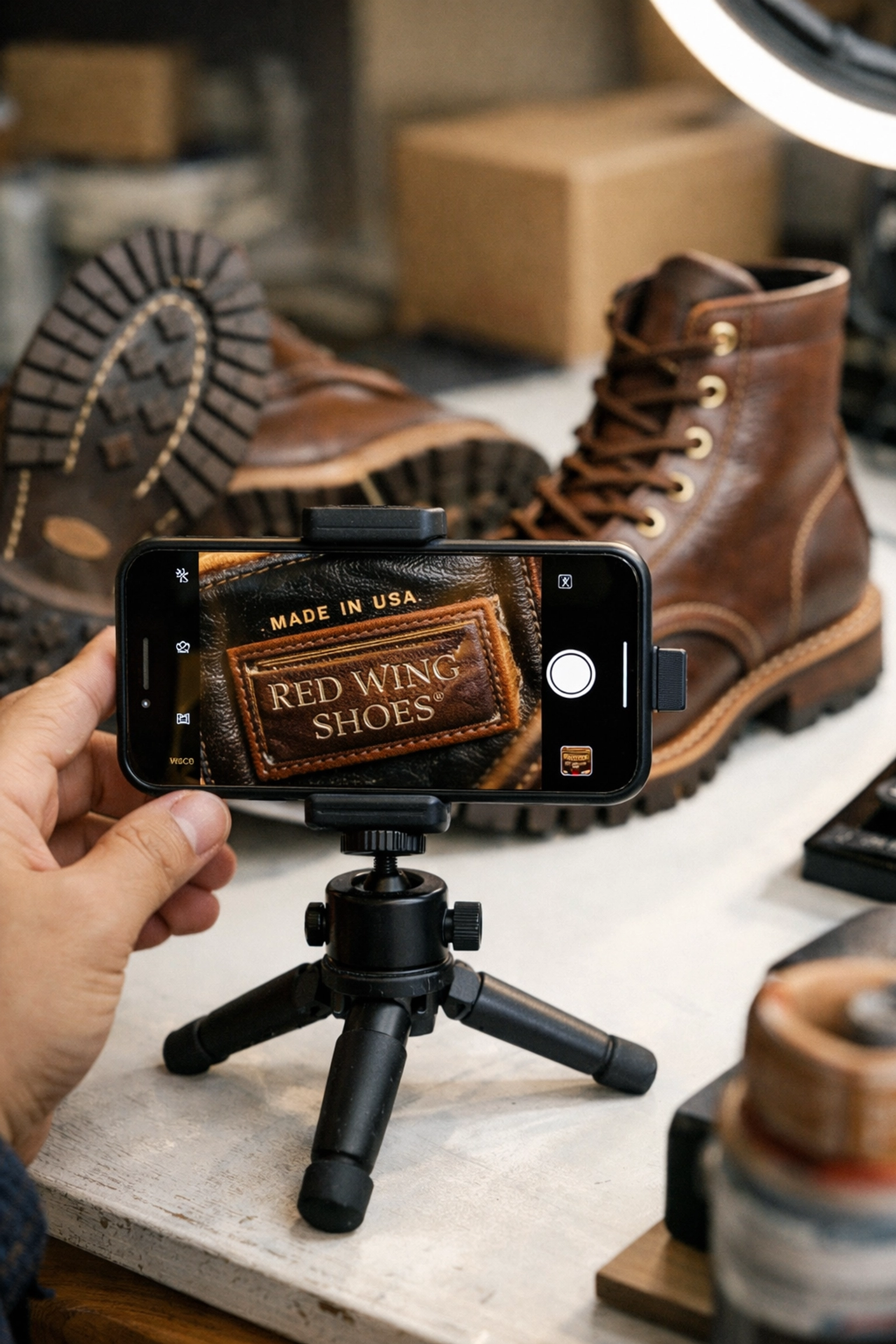
- Details and Labels: Zoom in on the brand tags, material labels, and size tags. This confirms authenticity and provides necessary information without the buyer having to ask.
- The “Honesty” Shot: If there is a scratch, a small stain, or a loose thread, take a clear close-up of it. Point it out with a pen or a small pointer if needed. It might feel counterintuitive to highlight a flaw, but it actually builds massive trust and prevents returns later.
Stability: Say Goodbye to Blurry Shots
Nothing screams “amateur” louder than a blurry photo. Even if your lighting is perfect, a shaky hand can ruin the shot.
- Use a Tripod: If you’re using a smartphone (which most of us do!), get a cheap phone tripod. It keeps your framing consistent and ensures every shot is sharp.
- The Two-Hand Grip: If you must go handheld, tuck your elbows into your ribs to stabilize your body and hold your breath for a second while you tap the shutter.
- Check Before Moving On: Always do a quick scroll through your photos before you pack the item away. It’s a lot easier to retake a photo now than it is to dig the item out of an inventory bin later because the first shot was out of focus.
The AI Edge: Cleaning Up Your Photos
Sometimes, despite our best efforts, the background just doesn’t look right. Maybe the lighting was a bit uneven, or there was a shadow you couldn’t get rid of. This is where modern technology saves the day.
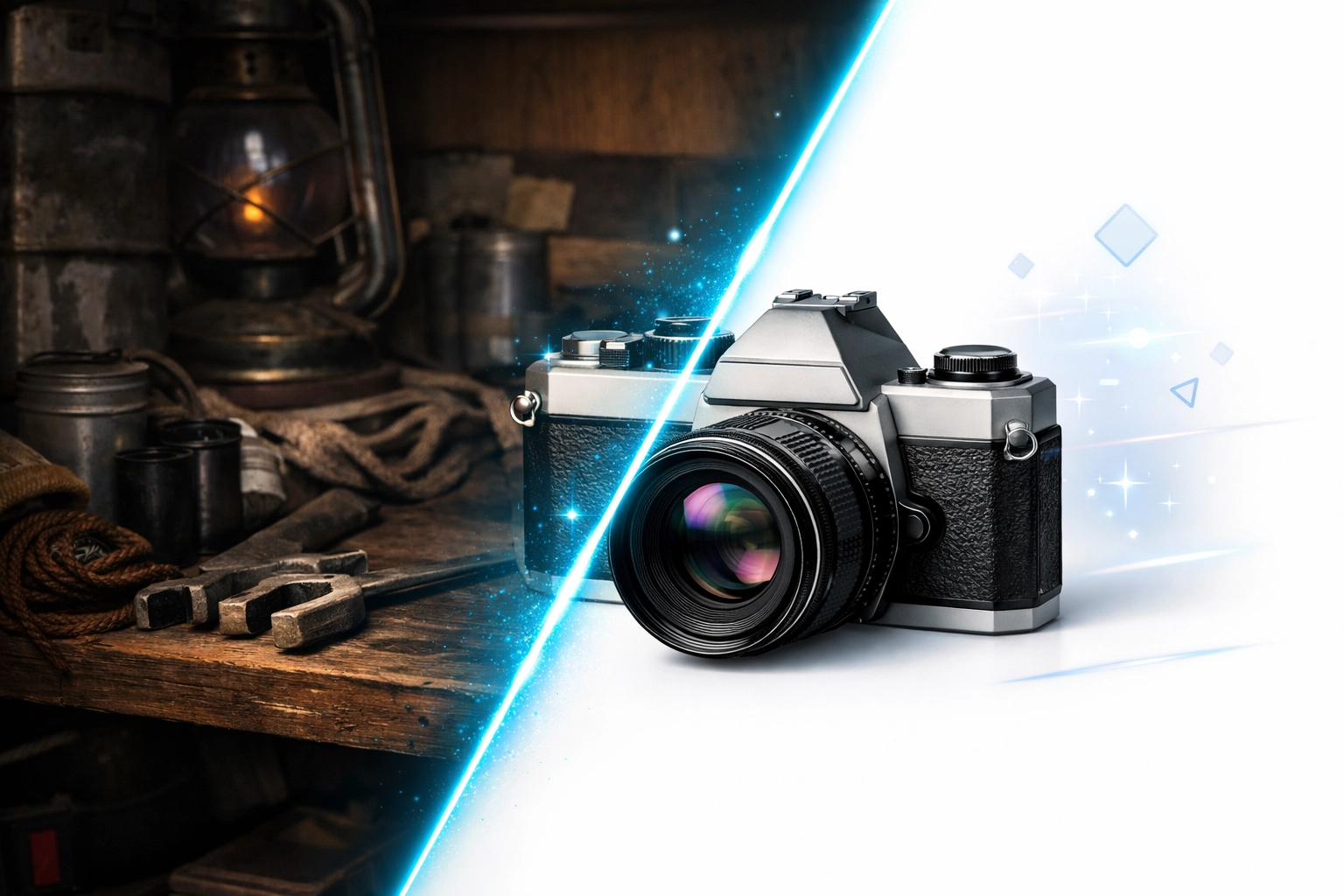
Many resellers are now using AI-powered background removal tools. These tools can take a photo of an item sitting on your kitchen table and instantly swap the messy background for a pure, professional white one. This “pops” the item and makes it look like it belongs in a high-end retail store.
If you want to stay ahead of the curve and learn how to use these tools effectively, check out our community at AI for Resellers. For just $6 a month, you can join a group of like-minded entrepreneurs at aiforresellers.com who are using AI to speed up their workflows and increase their profits. It’s the ultimate way to work smarter, not harder.
Quick Tips for Specific Categories
- Clothing: Use a mannequin or a “flat lay” (laying the item flat on a clean surface). If you do a flat lay, make sure the item isn’t wrinkled: give it a quick steam first!
- Shiny Items: If you’re selling jewelry or glassware, watch out for your own reflection in the item. Using a light tent can help diffuse the light and eliminate those awkward “selfie” reflections.
- Shoes: Always take a photo of the soles to show the wear. Also, stuffing the shoes with tissue paper helps them keep their shape for the “Hero Shot.”
SEO and Readability for Your Listings
While your photos grab the attention, your description keeps it. Use bullet points in your descriptions to make them easy to scan. Buyers love to see:
- Brand Name
- Size/Dimensions
- Material
- Condition (New, Pre-owned, any flaws)
- Fast Shipping mentions
By combining great photos with an easy-to-read description, you’re creating a “frictionless” buying experience.
You May Have Missed!
If you’re looking to take your reselling business to the next level beyond just photos, don’t forget to explore our other resources. Check out our Side Hustles for Women Over 50 guide or browse our Shop for tools that help you stay organized. Want to hear more tips on the go? Tune into The Power Selling Podcast.
Final Thoughts: Practice Makes Profit
Don’t get discouraged if your first few sets of photos aren’t perfect. Like any other part of your reselling business, taking great photos is a skill that you develop over time. Start with the basics: clean background, natural light, and plenty of angles. As you get more comfortable, you can start experimenting with lighting kits and AI tools.
The goal is consistency. When your Power Selling Mom shop looks uniform and professional, buyers will keep coming back because they know exactly what to expect.
Ready to level up your entire reselling game? Don’t forget to join us at aiforresellers.com to see how we’re changing the game with automation and smart tools.
Spread the love! If you found these tips helpful, share this post with your fellow resellers. Let’s all get those items moving!
- How to Price Items on eBay So They Actually Sell

- Simple eBay Photo Tips That Help Items Sell Faster

- How Long Does It Really Take to Sell Something on eBay?

- 5 Mistakes New eBay Sellers Make in Their First Month

- Make Every Stay Unforgettable: Introducing “The Ultimate Guestbook” by Danna Crawford